Website Monitor Bot
Introduction
Website Monitor Bot is a handy Telegram bot designed to help you track the status of any website in real-time. Whether you want to quickly check if a site is online or set up continuous monitoring, this bot has you covered. It can ping a website at regular intervals and alert you if the website goes offline — ensuring you're always in the loop.
How it Works
- Continuous Monitoring: Set a website to be monitored at custom intervals. The bot pings the site and notifies you immediately if it goes down.
- Instant Status Check: Quickly ping any website to check if it’s currently online or offline with a simple command.
- Flexible Controls: Easily start, modify, or stop monitoring sessions as needed, with clear feedback from the bot.
- Server Time: Retrieve the server’s local time and see which country the server is located in.
Features
- Default 10-Minute Monitoring: If no interval is specified, the bot checks the website every 10 minutes by default.
- Customizable Monitoring Intervals: Choose your own interval by specifying the time in minutes when starting monitoring.
- Admin Controls: Admins can restart the server and push updates remotely via special commands.
- Automatic Notifications: Get immediate alerts if the monitored website goes down, ensuring minimal downtime impact.
Deploying and Using the Bot
I have deployed this bot on my personal server, but I can assist you in setting it up on your preferred platform. Deployment is flexible and can be tailored to your specific monitoring needs.
Bot Commands
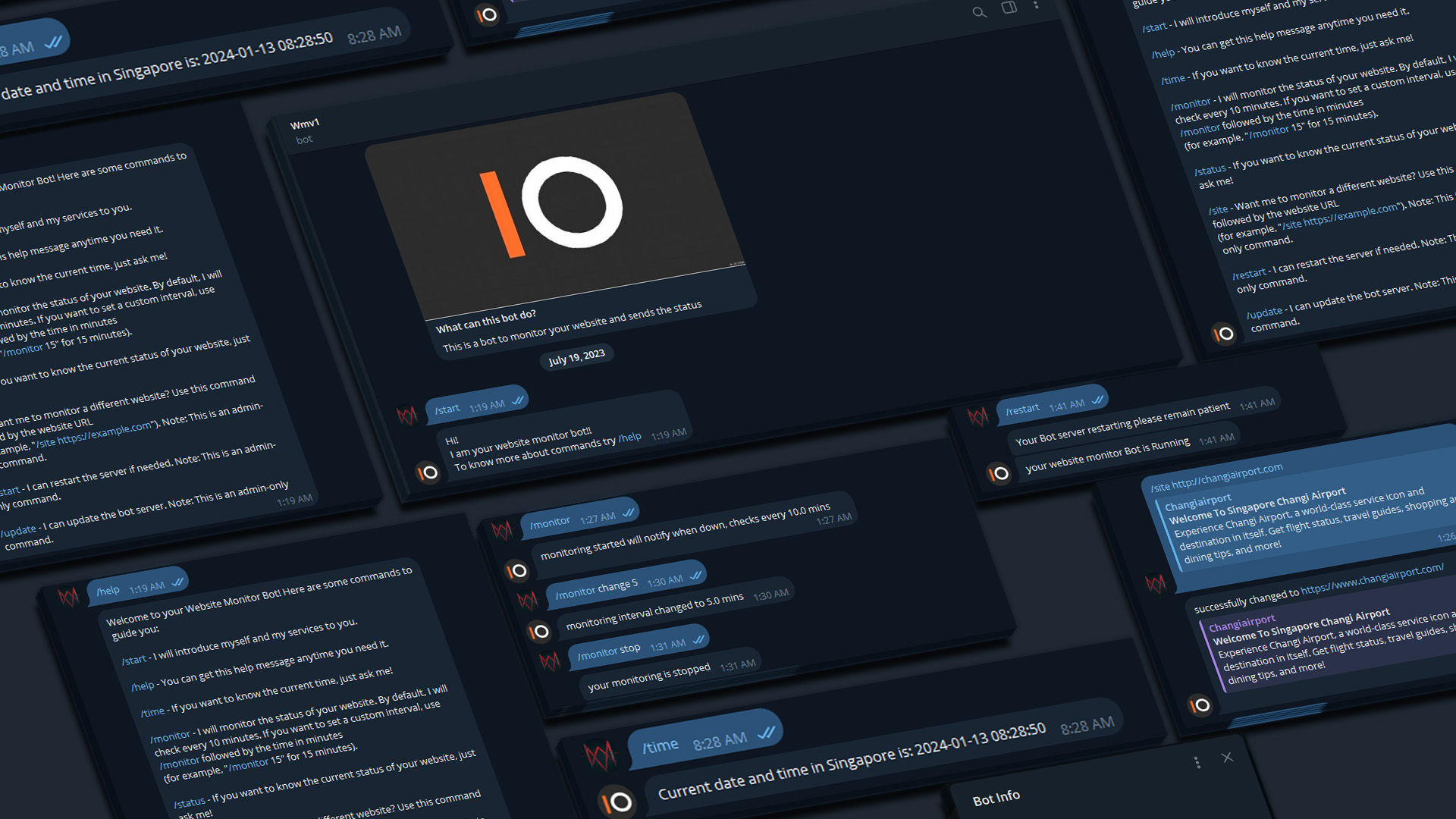
Using Website Monitor Bot is straightforward. Here's a breakdown of the available commands:
- /start: Introduces the bot and welcomes the user.
- /help: Displays a list of user commands and admin-specific commands.
- /time: Shows the current time at the server location and its country.
- /monitor: Starts monitoring the last set website every 10 minutes by default.
- /monitor [minutes]: Starts monitoring with a custom interval. Example:
/monitor 15for every 15 minutes. - /status: Instantly checks if the currently set website is online or offline.
- /site [website]: Sets the website you want to monitor. Example:
/site google.com. - /restart: Restarts the server (Admin only).
- /update: Pulls the latest version from GitHub, replaces the current bot, and restarts the server (Admin only).